Support
Activating, and the trial
Updated
Activating
Open the plugin in your host and press ACTIVATE. Your browser opens stms.app: sign in or create an account, then approve. The plugin activates on that machine. A purchase is already on your account, so there is no serial to type. Licensing is account-based, and the licence file is shared across stms plugins on one machine, not kept separately per plugin. Activating once covers every stms plugin the account holds.
The trial
The trial is issued by the server when it starts, not a timer kept on your computer. There is no local clock for it to depend on, and the length can change without a plugin update.
It starts the first time you approve an activation from the plugin, and each plugin has one trial per account. It currently runs 3 days. The audio path is identical to a licensed instance; only the editor names it a trial.
Connect
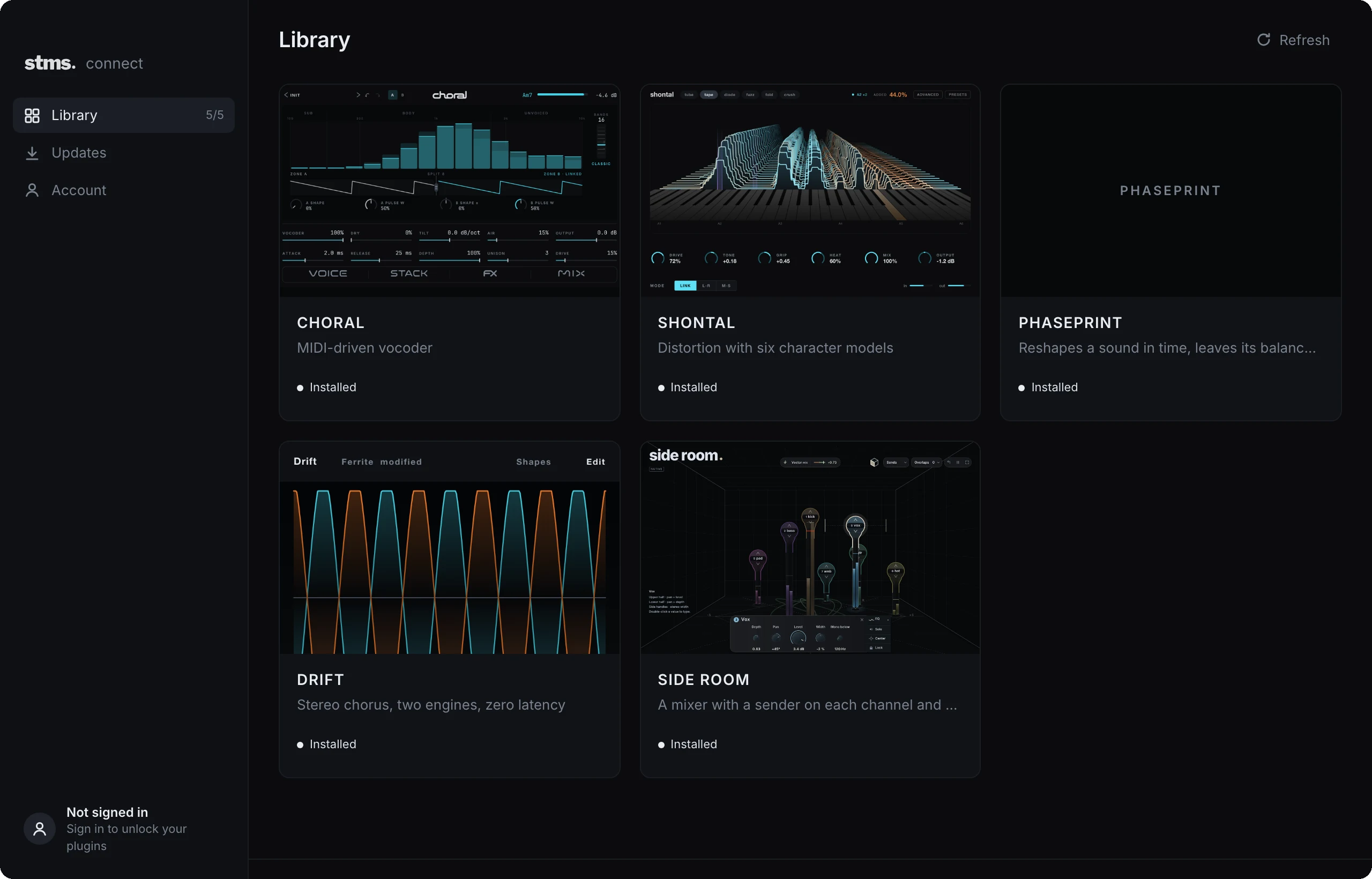
One app for your stms plugins. In development for macOS and Windows; get notified when it is ready.
Get release updates