MOVES puts dancers on your own screen, over the DAW, and they dance to the audio the plugin hears.
Formats and platforms
CLAP and VST3, on macOS (Apple silicon) and Windows (x86-64), released together.
MOVES does not change the audio. It passes through untouched, with or without a licence.
The dancers
Nine paper characters.
They stand on the screen with no background, in a window of their own that stays on top and lets every click outside a dancer reach the DAW.
Each dancer is dragged to where it stands, and where it stands is saved with the project.
The Dancers switch shows and hides them. They belong to the plugin instance, so closing the editor does not hide them.
When the transport stops they hold the pose of that moment and blink.
The dance
The crew is choreographed from the music as it plays, with no plan per song: it follows the tempo, the sections, the build-ups and the drops, and reads the groove, the genre and the drums inside the beat.
Dancers that stand close interact: partners battle, the crew cheers a soloist, and a close pair high-fives at every change of section.
Each dancer can be left on Auto or held to one of 49 moves, picked under its name in the panel. A dancer held to a move leaves the crew’s battles, high fives and solos.
The panel
A black panel in which the nine characters are the buttons: press one to add it to the dancers or take it away.
Look ahead, off by default: when on, MOVES reports 150 ms of latency and hears each beat that much earlier, so the dancers can move on it rather than after it.
Free and Pro
Free with an stms account: three dancers, fixed (the three a new project opens with), on Auto, each with the stms mark on its shirt.
Before signing in, one dancer dances and the panel offers the sign-in.
Pro, $29, perpetual: all nine dancers, a move chosen per dancer, no mark. There is no Pro trial.
choral 1.1.2
MAGIC, your notes as keys, and a window you can resize
The notes you hold now light up on a one-octave keyboard on the home screen, and the chord's name sits under it.
The carrier section is rebuilt: zone A's wave on the left, zone B's on the right, and between them SHAPE and PULSE for zone A, SHAPE ± and PULSE ± for zone B, with each zone's SIDECHAIN under its pair.
Zone B now has its own pulse width and a ZONE B switch. While it is off, CHORAL plays one oscillator and the split changes nothing; turn it on and drag the ruler under the bars to set where the split sits. Projects and presets saved before this version keep their sound.
MAGIC is a new switch beside RESO on the VOICE page. It makes the vocoded sound ring at the highest note you hold, and RESO sets how much of that ring you hear. MAGIC on is as loud as MAGIC off, so you can compare the two by ear.
LATCH and FREEZE are buttons at the top of the home screen now, next to the output meter.
Each zone's picture has depth. A zone on the synth shows its wave in front of fading copies of itself, and a zone on the sidechain shows its incoming audio across the bands, with the moments before it fading into the back.
Double-click a control's number to type a value, like 1.5 s or 2k, and press Enter.
SETTINGS has a SIZE row, so you can open CHORAL at 75%, 90%, 100%, 125% or 150%, and every new window opens at the size you picked.
The picture, the faders and the navigation row now sit on one glass surface. SETTINGS has a GLASS row to make it softer, clearer or flat, and there are two new accents, BLUE and RED, and two new backgrounds, NAVY and WARM.
The first time CHORAL opens after you activate it, a setup page shows how to route it in your DAW (FL Studio, Ableton, Cubase, Bitwig, Reaper or Studio One) and tells you when your voice and your notes are arriving. It shows once.
Press Tab to move through the controls on the home screen, then use the arrow keys to change the one in focus. Your arrow keys still go to your DAW until you press Tab.
An FX module turned all the way down now reads OFF.
When an update is out, a dot appears on the CHORAL wordmark. Click the wordmark and SETTINGS shows the new version with GET THE UPDATE.
MANUAL and SUPPORT at the foot of SETTINGS open stms.app in your browser.
With a zone on the sidechain and nothing playing into it, CHORAL now stays silent while you hold notes.
On the VOICE page, the line over the bands stays on them when you move FORMANT.
stms link 1.0.0
The controller you didn’t know you needed.
No more MIDI routing. stms link plays our plugins from any channel in your project, in most DAWs (support for the rest is coming).
And not just MIDI! Put any 4 of your plugin’s 12 main controls, like DEPTH or ATTACK, on the link’s knobs, and change what each knob controls at any time.
It’s free with every plugin you buy from us. If you own one, it’s already in your account.
Keep creating.
choral 1.1.1
Sidechain on the home screen, and fixes
The sidechain switch for each zone now sits beside its knob on the home screen.
Every page has a way back to the home screen.
AMP ATK and AMP REL are now NOTE ATK and NOTE REL. They dim when no synth is in the sound, where they have nothing to shape.
AIR is gone. Projects that used it still open. Six factory presets sound slightly darker on top.
The preset list scrolls one row at a time and shows where you are in it.
On Windows, the preset name no longer changes to INIT when the plugin window goes behind another one.
Undo now brings back the preset name together with the sound.
One click on the engine name no longer changes the band count.
Releasing a computer from your account now takes effect the next time CHORAL loads.
choral 1.1.0
Activate in the browser
Activate in the browser: press ACTIVATE, approve on stms.app. No typing inside the plugin.
choral 1.0.1
Windows typing, a clear sign-in, a smoother window
On Windows, typing in the licence screen now comes through exactly as typed: capitals with Caps Lock, @ and AltGr characters, and a switched keyboard language.
A sign-in that fails now says why.
Paste works in the licence fields, and an eye button shows the password.
The plugin only signs in. Accounts are created on stms.app.
On Windows, the plugin window no longer slows the DAW down.
Releasing a machine from your account page now takes effect within a day.
choral 1.0.0
CHORAL 1.0.0
Two zones split at a point you move: your voice plays the synth below the split, and a sidechained sound above it.
Bands from 4 to 256, and the count glides when you move it.
PUNCH: drums on the channel, a vocal on the sidechain, and the kick moves the whole vocal.
Pitch Follow: the chord keeps your notes and takes the singer’s vibrato, up to 50 cents either way.
Glide from 0 to 1000 ms between chords, effects in four modules (chorus, phaser, drive and stereo), and your own colours in settings.
Fifty factory sounds. VST3 and CLAP, macOS and Windows.
Connect
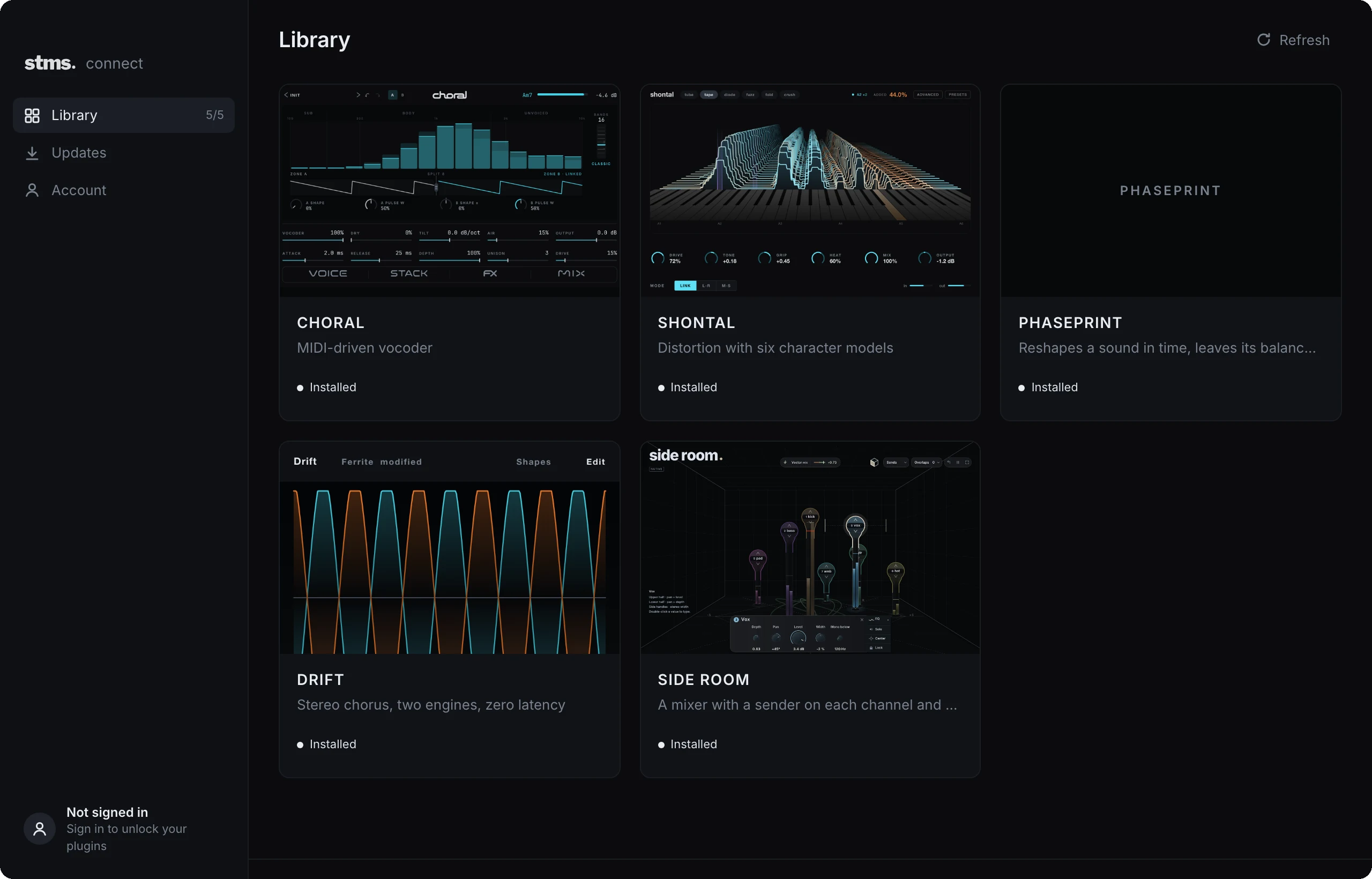
One app for your stms plugins. In development for macOS and Windows; get notified when it is ready.