Help
What happens when a trial ends, or a licence lapses?
Your session still opens and plays. The plugin passes your sound through untouched: you get your dry signal back, never silence. Sign in or buy, and it is all back.
Can a licence run out in the middle of a session?
No. A plugin decides whether it is licensed when it loads, so nothing changes under a take while you record or render.
Do I need to be online?
No. Once you have signed in, your plugins work offline for 30 days at a time, and renew themselves in the background whenever you are online.
Do I sign in to every plugin?
No. Sign in once, and every stms plugin on that machine knows it.
How many machines can I use?
Every plugin you own runs on up to three machines. To move to a new one, release an old one in your account. Releasing always works, even when all three are taken.
What does stms know about me?
When a plugin is activated, our server learns your account, the machine and the time. Nothing else. There is no telemetry, and a plugin does not call home when it loads.
Where are my presets?
In your Library, under Application Support, in the stms folder. Removing a plugin in Connect never touches them.
I forgot my password.
Ask for a new one from the sign in page. The link goes to the address on your account.
Can I get a refund?
Yes, within 14 days, no interrogation. Write in and it is done.
Still stuck?
Write to a person. Most days, the same day.
It helps to include:
- your DAW and its version
- your OS — macOS or Windows, and the version
- CLAP or VST3
- what you expected and what happened instead
Connect
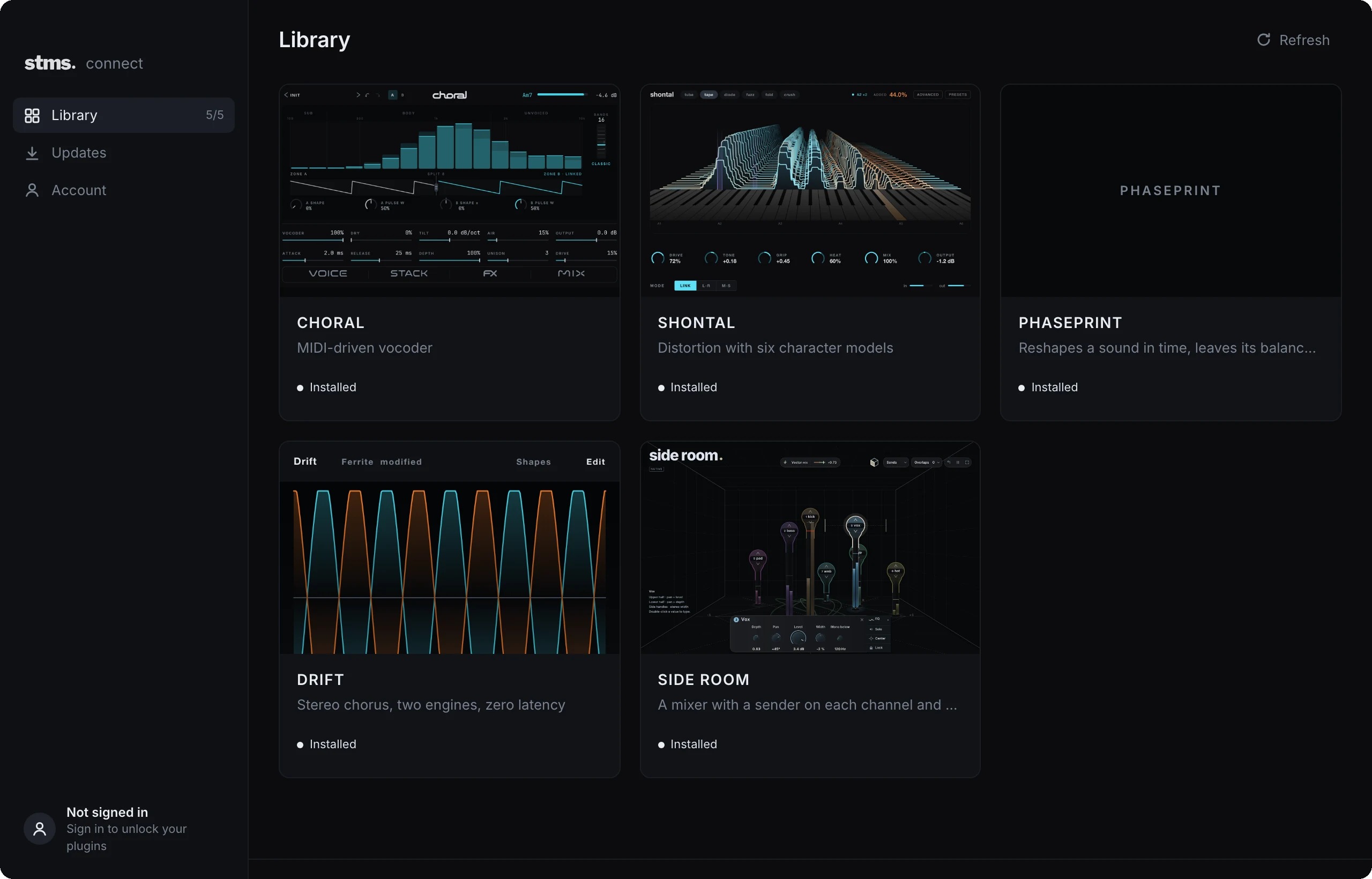
Installs every stms plugin, keeps them current, and holds the one account that unlocks all of them.
Get Connect